Grolia
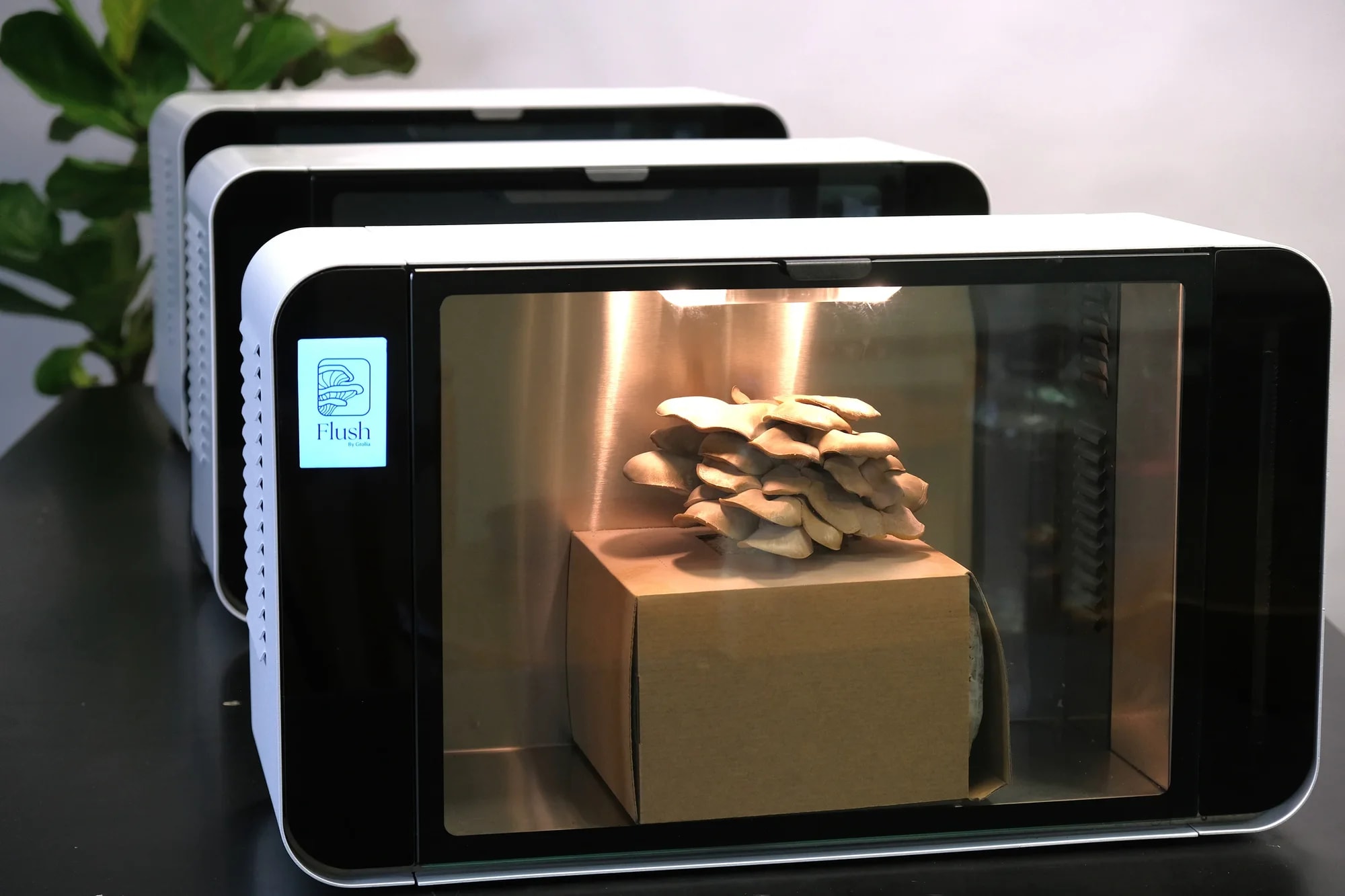
Firmware, the touchscreen interface and the grolia.com.au platform for Flush, a benchtop cabinet that grows gourmet mushrooms.
Plenty of businesses run on a spreadsheet that has grown for years, a shared inbox and a lot of copying between tools. We replace that with an internal tool built around how your team already works, and automate the steps nobody should be doing by hand.
Case studies
Firmware, the touchscreen interface and the grolia.com.au platform for Flush, a benchtop cabinet that grows gourmet mushrooms.
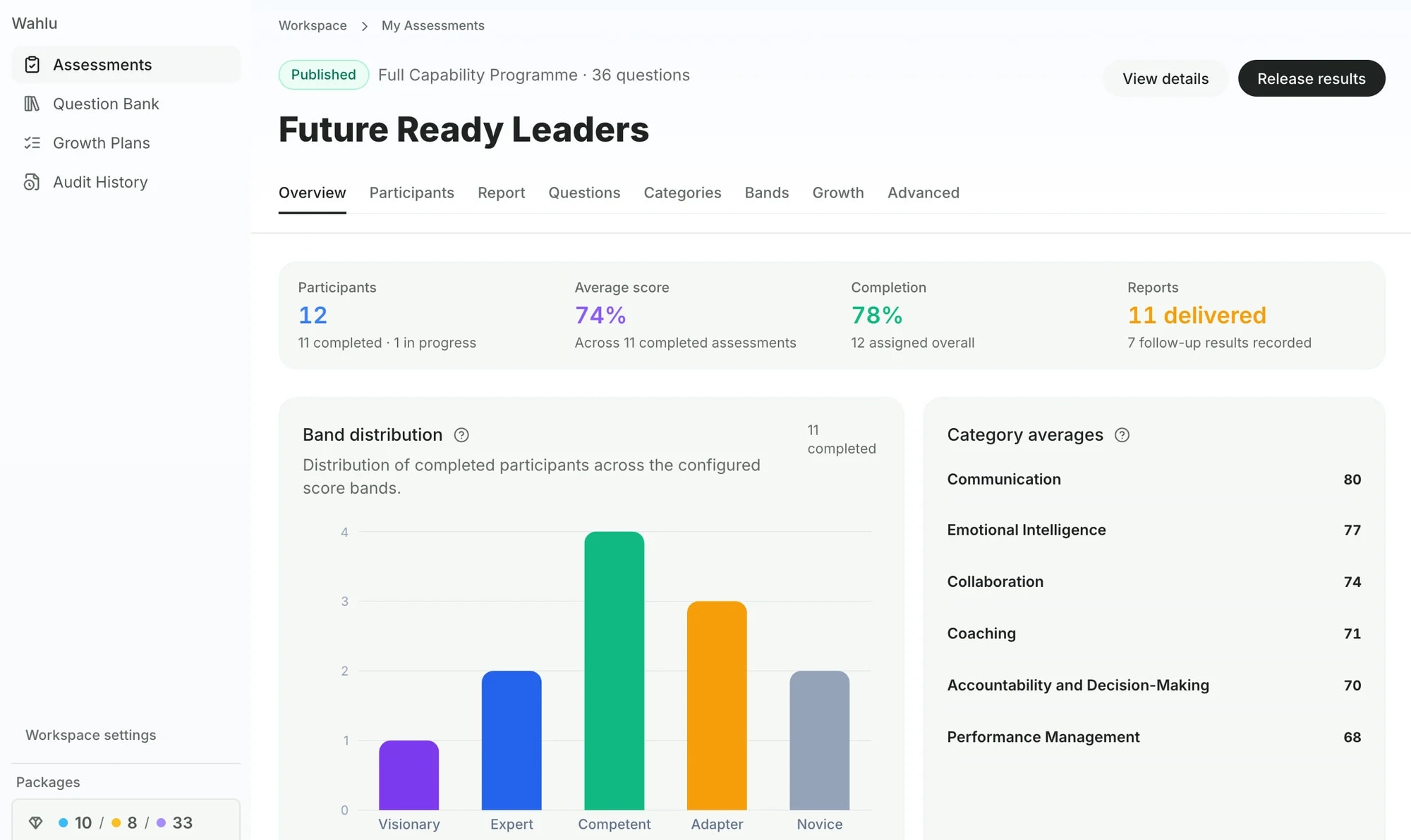
A platform for running skills assessments, with dashboards for programme owners and a report and growth plan for every participant.
What we build
The same information your team keeps in a spreadsheet, with forms, validation, history and more than one person able to edit safely.
Orders, customers, products, stock and shipping managed in one place.
Leads, clients and jobs tracked the way your business sells, not the way a generic CRM assumes.
Requests, reviews and sign-offs with clear owners, statuses and a record of who changed what.
Orders sent to a supplier, emails triggered by events, data synced between tools, all without someone copying it across.
Connections to the software you already pay for, such as Stripe, Mailchimp, ShipStation or your accounting system.
Approach
We start by watching how the work is done today: the spreadsheet, the inbox, the steps in between. The first version replaces the most painful part, and the rest follows once people are using it.
At Grolia, Steve built a staff admin for orders, products, customers, shipping and manufacturing, and automated block orders through to the supplier’s fulfilment system.
Questions
Often not all at once. If a spreadsheet is shared by several people, keeps breaking or needs someone to copy data in and out of it, that part is usually worth turning into a proper tool first.
If an existing product fits how you work, buy it. A custom tool makes sense when your process is specific to your business, when data is spread across several tools, or when per-seat pricing gets expensive as you grow.
Usually. If a system has an API, a database we can read from or a regular export, an internal tool can use it. Tell us what you use in the enquiry.
Working together
No sales calls to book. Tell us about the project and we’ll take it from there.
Tell us what you need built, what you use now and roughly when. A few sentences is enough to start.
Every enquiry is read by Steve, the founder. If it looks like a good fit, he replies by email with questions.
If the project suits us both, we talk through what to build first and how to get there.
A few sentences is enough. Steve reads every enquiry and replies by email.